


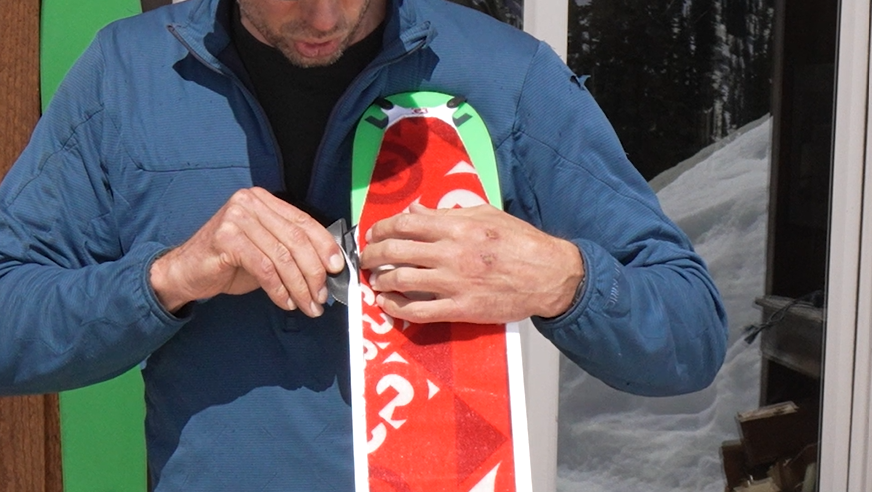
G3 General Manager, Cam Shute, walks through the simple process of trimming your new G3 climbing skins. The key is the G3 trim tool that comes in the box with all G3 climbing skins.
Overview of the Steps
- Put your binding into tour mode so the brakes are out of the way.
- Peel the centre strip of the backing paper off, leaving the two edges of the backing paper in place.
- Position the skin on the ski, making sure it's adhered firmly and smoothly.
- Take your G3 trim tool and put its tabs behind the paper. Slowly guide the tool down, applying a little bit of tension. Then do the exact same on the other side.
- Remove the remaining backing paper and fold your skins so the glue doesn't get contaminated.
If you're looking for the steps to trim our past season ski skins (ALPINIST+, MINIMIST, ESCAPIST, ELEMENTS) you can find those here. And for how to trim past season splitboard skins (SPLITBOARD+ and SPLITBOARD LT) click here.
At G3, every feature is designed to make the backcountry experience smoother and more intuitive. The new ALPINIST skins focus on the essential details that...
ALPINIST UNIVERSAL Climbing Skins


